Copy and keep working
File operations run in a background queue, unblocking concurrent work.
A dual-pane file manager for macOS, Windows and Linux, built for speed: the window never waits on a slow disk or network, and copies are instant clones where the file system allows.
Free, including for commercial use.
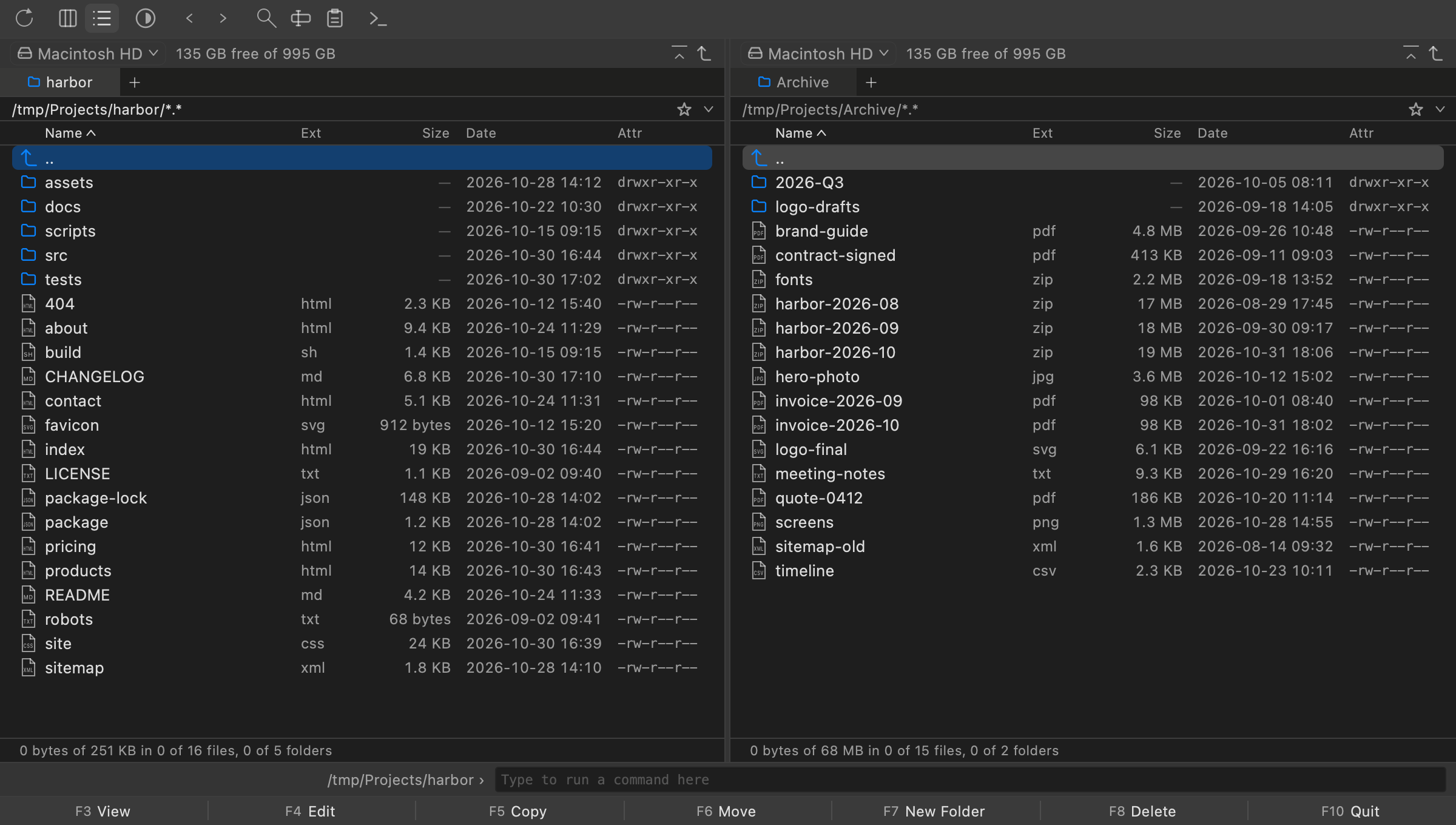
File operations run in a background queue, unblocking concurrent work.
Built for speed: a file of any size opens at once.
Find by name and content; rename many files at once, with a preview.
Each panel keeps its tabs across launches; the hotlist holds favourites.
Each panel follows its folder, updating itself as files change.
Browse, view and copy out; archives are read-only.
Requirements: macOS 12+ on Apple silicon, Windows 10+ on x64 or Linux (glibc 2.28+) on x86_64.
curl -fsSL https://github.com/iniscape/commander/releases/latest/download/install.sh | bash
powershell -ExecutionPolicy Bypass -c 'irm https://github.com/iniscape/commander/releases/latest/download/install.ps1 -OutFile $env:TEMP\install.ps1; & $env:TEMP\install.ps1'
Installs for the current user, without admin rights; not code-signed yet. Uninstall
No account, no analytics, no telemetry. It checks GitHub for updates daily, which can be turned off in Settings.
Bugs and feature requests are tracked on GitHub. Open an issue