Four connection states
Online, Unstable, Limited or Offline, shown by the globe in the tray.
A tray app for macOS, Windows and Linux that shows whether you are online: a network change appears within about 3 seconds, and a click copies your local IP address.
Free, including for commercial use.
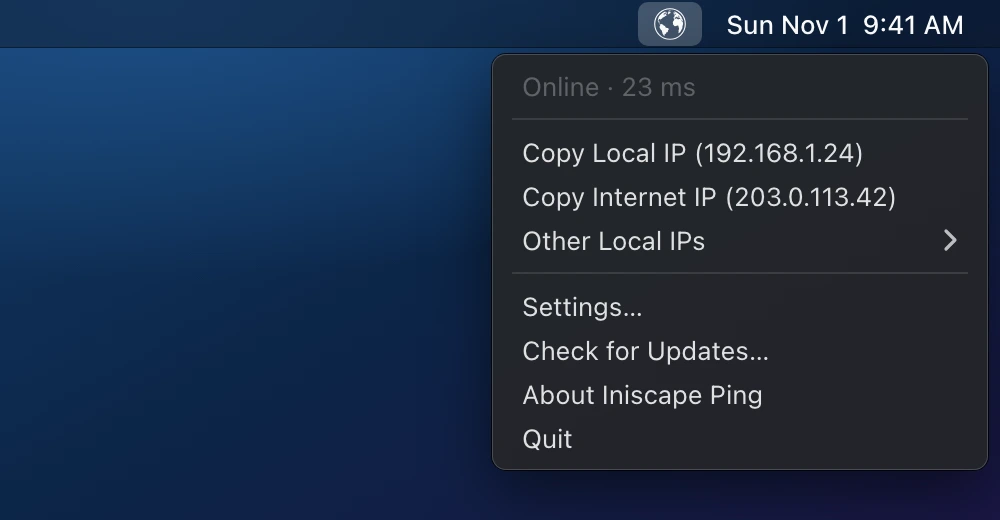
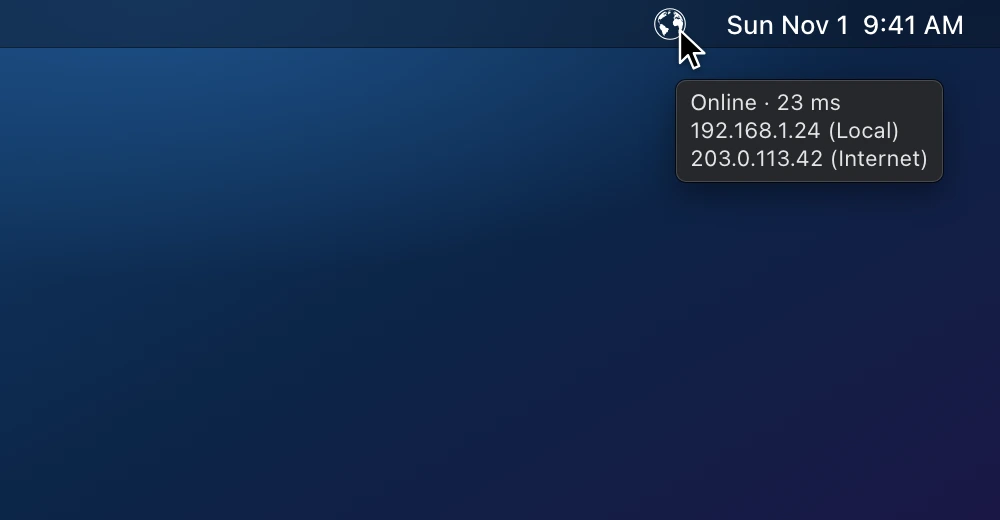
Online, Unstable, Limited or Offline, shown by the globe in the tray.
The first step that fails: link, address, gateway, DNS or internet.
After a network change or sleep; one lost probe never changes the state.
In the tooltip and the menu; a click copies your local address.
The median round trip and the probes lost over the last 5 minutes.
About 4.5 MB a day while online, checks and latency probes together.
Requirements: macOS 12+ on Apple silicon, Windows 10+ on x64 or Linux (glibc 2.28+) on x86_64.
curl -fsSL https://github.com/iniscape/ping/releases/latest/download/install.sh | bash
powershell -ExecutionPolicy Bypass -c 'irm https://github.com/iniscape/ping/releases/latest/download/install.ps1 -OutFile $env:TEMP\install.ps1; & $env:TEMP\install.ps1'
Installs for the current user, without admin rights; not code-signed yet. Uninstall
No account, no analytics, no telemetry. It checks your connection against Cloudflare and Google servers; the IP lookup and the daily update check can be turned off in Settings.
Bugs and feature requests are tracked on GitHub. Open an issue